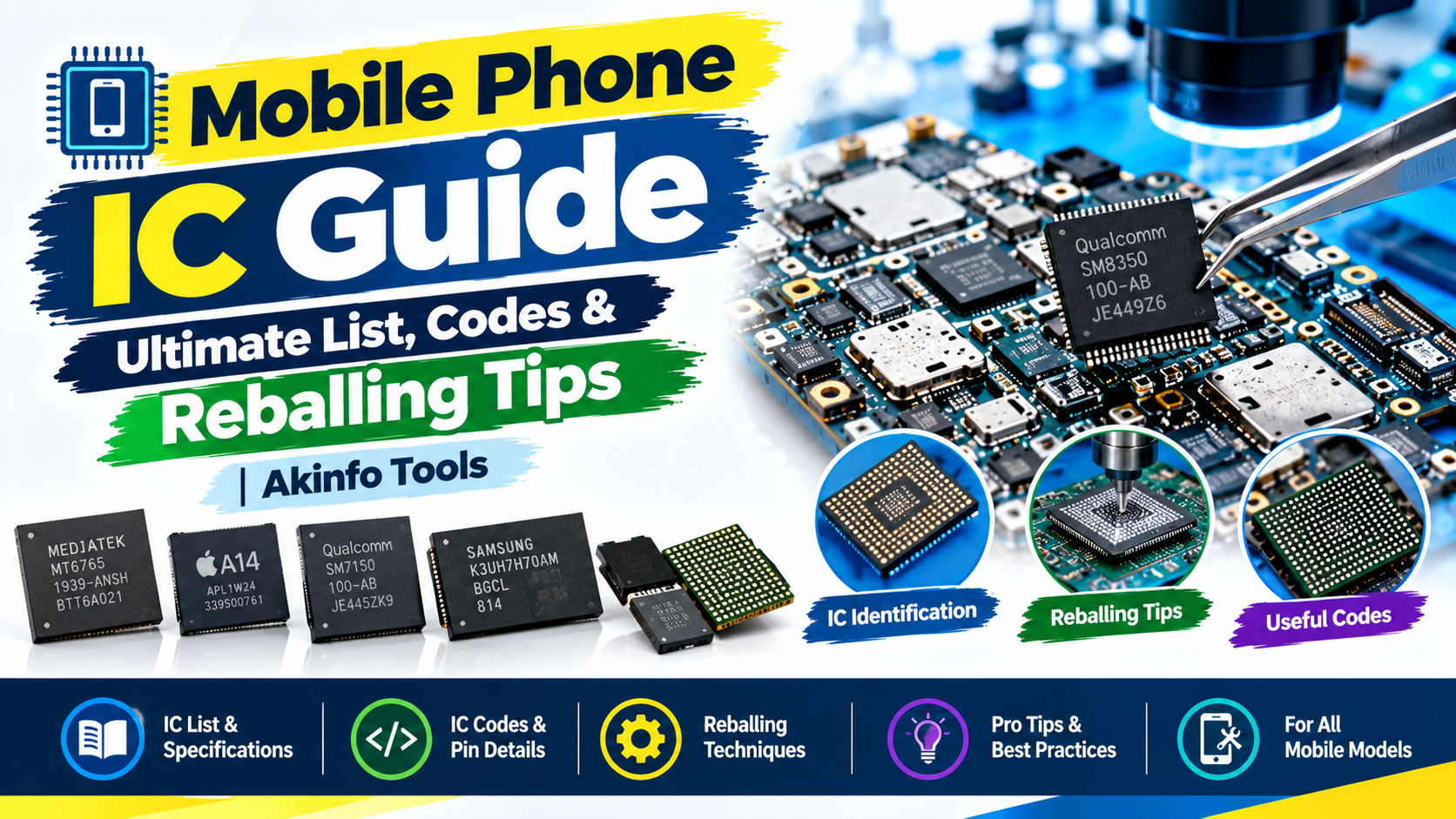
If you have ever opened a phone board and looked at a maze of tiny chips wondering which chip actually failed you are not alone. Every mobile repair technician, from a beginner fixing their boot-loop phone to a seasoned microsoldering pro encounters the same obstacle at some point: too many ICs, not enough clarity on what each IC does or how to fix it.
This guide explains everything you need to know about phone ICs. What mobile phone ICs are, how to identify phone ICs, the most common failure points and how reballing actually works. In language without any jargon overload.
What Is a Mobile Phone IC?
An IC or Integrated Circuit, is a chip soldered onto a phones motherboard that handles one specific job. Power management, charging, audio, touch response and so on. Think of your phones board as a city and each IC as a department doing one job: the power plant, the traffic controller, the phone lines. When one department goes down that part of the "city" stops working even if everything else is fine.
This is why phone repair isn't just about swapping the whole board. A single failed IC the size of a grain of rice can be the entire reason a $1,000 phone won't turn on.
Types of Mobile Phone ICs You Should Know
Not all ICs are created equal. Some are failure points others rarely give trouble. Here's a breakdown of the types you'll come across on almost any smartphone board:
Power Management IC (PMIC) This is the chip that decides how power gets distributed across the board. It regulates voltage to the processor, screen, camera and every other component. When a phone won't power on all. No logo, no vibration, nothing. A faulty PMIC is often the first suspect.
Charging IC Separate from the PMIC in phones the charging IC manages the current and voltage coming in from the USB port. If your phone charges slowly not all or gets confused about whether its plugged in this chip is usually where the problem lives.
CPU / Application Processor This is the brain of the device. Think Snapdragon, MediaTek, Apples A-series or Exynos chips. CPU failures are rare compared to ICs but when they happen they're expensive and technically demanding to fix, often requiring a full reball or replacement.
Baseband / RF IC This chip handles your signal. Calls, texts and mobile data. A damaged baseband IC typically shows up as "No Service," "Searching…" or an IMEI that reads as null or invalid.
Wi-Fi / Bluetooth IC Handles connectivity. If Wi-Fi won't turn on keeps disconnecting or Bluetooth pairing fails this chip is worth checking before you assume it's a software issue.
Audio Codec IC Responsible for converting audio into the sound coming out of your speaker or earpiece and picking up your voice through the mic. Crackling audio, dead mic or a silent earpiece often trace here.
Backlight IC Controls the displays backlight. A symptom: the phone is clearly on (you can hear notifications feel vibrations) but the screen stays completely black. That's a sign of backlight IC failure, not a broken screen.
Touch IC Processes input from the touchscreen digitizer. If the display looks fine. Taps aren't registering. Or only part of the screen responds. This chip is a likely culprit.
Memory (NAND / eMMC / UFS) This is where your phones data lives. Photos, apps, the operating system itself. A failing memory IC can cause boot loops, random restarts or a phone that won't get past the manufacturer logo.
Camera IC Handles image signal processing from the camera sensor. Blurry, black or non-functional camera output that doesn't improve with a lens/sensor swap usually points here.
Mobile Phone IC Code List: How Identification Works
Every IC has a code laser-etched onto its casing. Usually in tiny text you'll need a loupe or microscope to read clearly. This code is your key to figuring out what chip you're looking at and where to source a replacement.
Here's how the identification process typically works in practice:
Read the code under magnification. Boards are dense. Codes are often only a few millimeters wide. A jewelers loupe or a USB microscope makes this dramatically easier.
Cross-reference with a boardview file. Boardview software for the phone model will map out every component on the board labeling each IC by its function and location. No more guessing which black rectangle does what.
Match the code to manufacturer documentation or a repair database. Many repair communities maintain running IC code lists by brand and chip family, which saves hours of searching compared to relying on datasheets
A few patterns worth knowing: Qualcomm power ICs commonly start with "PM " while RF/Wi-Fi chips often carry "WTR" or "WCN" prefixes. Apple boards use their internal numbering. Codes like "U2" typically point to charging circuitry though exact numbering shifts between iPhone generations so always confirm against a boardview for that specific model rather than memorizing codes across devices.
Common Mobile Phone IC Problems (. What They Usually Mean)
If you're trying to diagnose a board fault matching the symptom to the likely IC saves a lot of trial and error:
Phone won't power on all → Power IC or PMIC failure
No cellular signal / "No Service" → Baseband or RF IC issue
Screen is black but phone is clearly running → Backlight IC failure
Device overheats even when idle → Often a shorted power IC
Touchscreen unresponsive despite an intact display → Touch IC failure
Phone was water-damaged → Corrosion can hit multiple ICs at once. Check power, charging and audio ICs first
Stuck in a boot loop → Could be CPU, NAND/memory or power IC related
Liquid damage in particular deserves caution. Corrosion spreads along the board over time so a phone that "sort of" works right after a spill can develop new IC failures weeks later if it isn't properly cleaned and inspected.
What Is IC Reballing?
Reballing is the process of removing an IC replacing its solder balls and remounting it back onto the board. Done when solder joints have cracked, degraded or lost proper contact with the pads underneath.
Here's what the process generally looks like:
Remove the faulty IC using an air rework station set to the correct temperature profile for that chips package.
Clean the board pads and the underside of the IC thoroughly removing solder and flux residue.
Apply a reballing stencil matched to that ICs ball pattern then apply flux and new solder balls or paste.
Reflow the balls onto the IC using controlled heat so each ball forms properly.
Remount the IC back onto the board pads with careful positioning.
Test the board to confirm the repair actually resolved the fault.
Reballing Stencils: Why the Right One Matters
A reballing stencil isn't a one-size-fits-all tool. It has to match the ball pitch and pattern of the specific IC you're reballing. Most mobile ICs use a 0.4mm pitch. Package sizes and ball counts vary between chip models so using the wrong stencil leads to bridged connections or balls that simply don't align with the pads.
Stencils are typically sold by IC model number so identifying the chip correctly (see the identification steps isn't just about diagnosis. It directly determines which stencil you'll need to order for the repair.
Frequently Asked Questions
What is the common IC failure in smartphones?
Power management IC (PMIC) failures are among the frequent since this chip handles voltage regulation for nearly every other component on the board. A dead PMIC often means a phone that shows zero signs of life. No logo, no vibration no charging response.
How do I know which IC is causing my phones problem?
Start with the symptom, not the chip. Match what the phone is doing. No signal screen, no charging, no touch response. Against the common fault patterns for each IC type then confirm using a boardview file before ordering any replacement part.
Can I reball an IC without a stencil?
Technically yes using a ball-drop method but its far less reliable and much easier to create bridged or uneven balls. A stencil matched to the IC package gives far more consistent repeatable results.
Is IC repair worth it compared to replacing the board?
In cases yes. A single IC replacement or reball is significantly cheaper than sourcing a replacement motherboard and it keeps the phones original components. Including calibration data tied to that specific board. Intact.
Do all phone brands use the IC codes?
No. Each manufacturer uses its internal numbering and chip suppliers so codes aren't universal across brands. Always confirm the code against a boardview file or code list to that phone model rather than assuming a code means the same thing, across different devices.
Final Thoughts
Mobile IC repair isn't guesswork once you understand the map. Every symptom points toward a identifiable set of chips and every chip has a code that tells you exactly what you're dealing with. Whether you're troubleshooting a board sourcing the right reballing stencil or trying to estimate a fair repair price the process comes down to the same three steps: identify, diagnose, repair.