


 Mobile
Repairing Tools
Mobile
Repairing Tools
 Touch/Glass/OCA
Glass
Touch/Glass/OCA
Glass Stencils &
IC
Stencils &
IC OCA Machine &
Parts
OCA Machine &
Parts Mobile
Accessories
Mobile
Accessories Software
 OCA
Sheets &
Polarizers
OCA
Sheets &
Polarizers


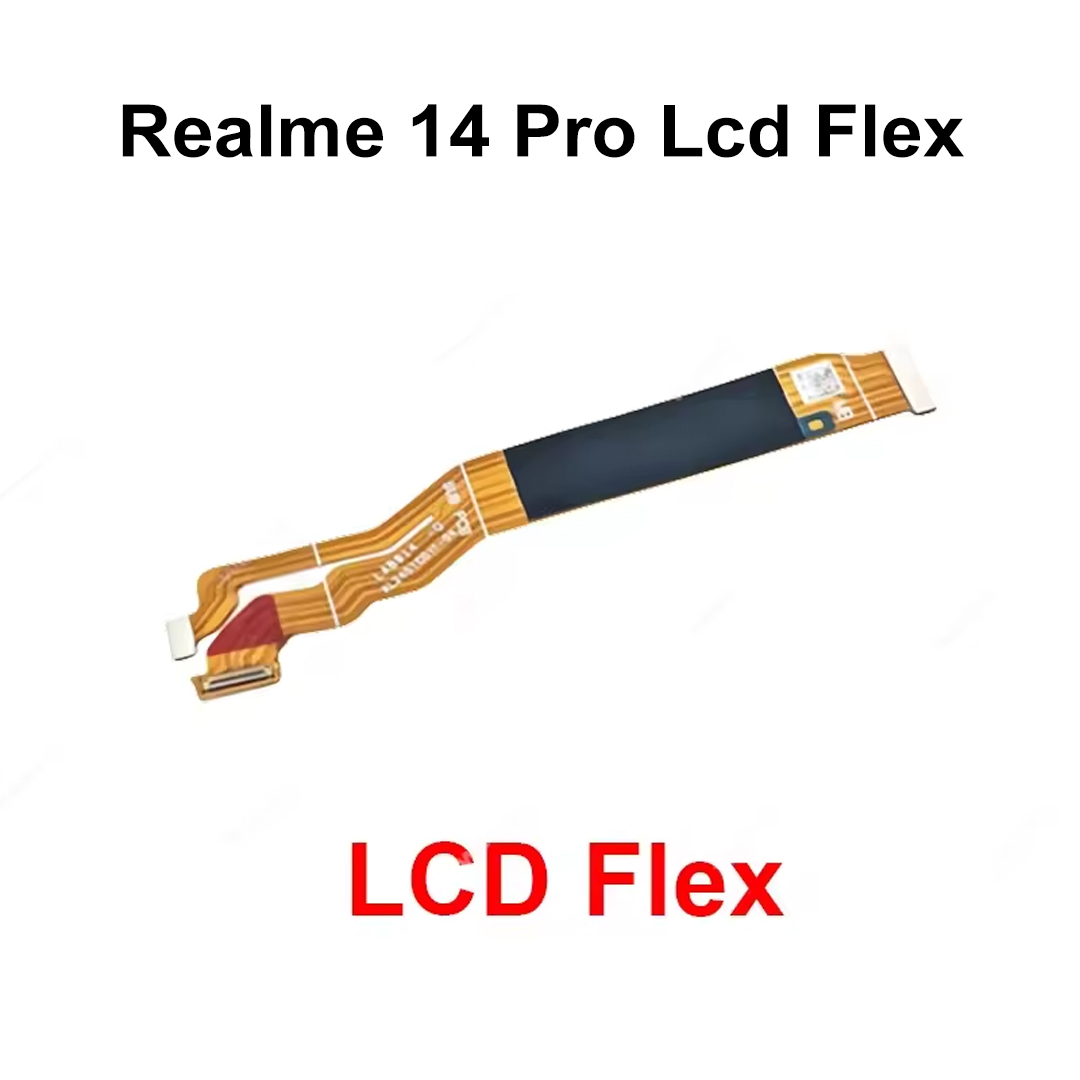
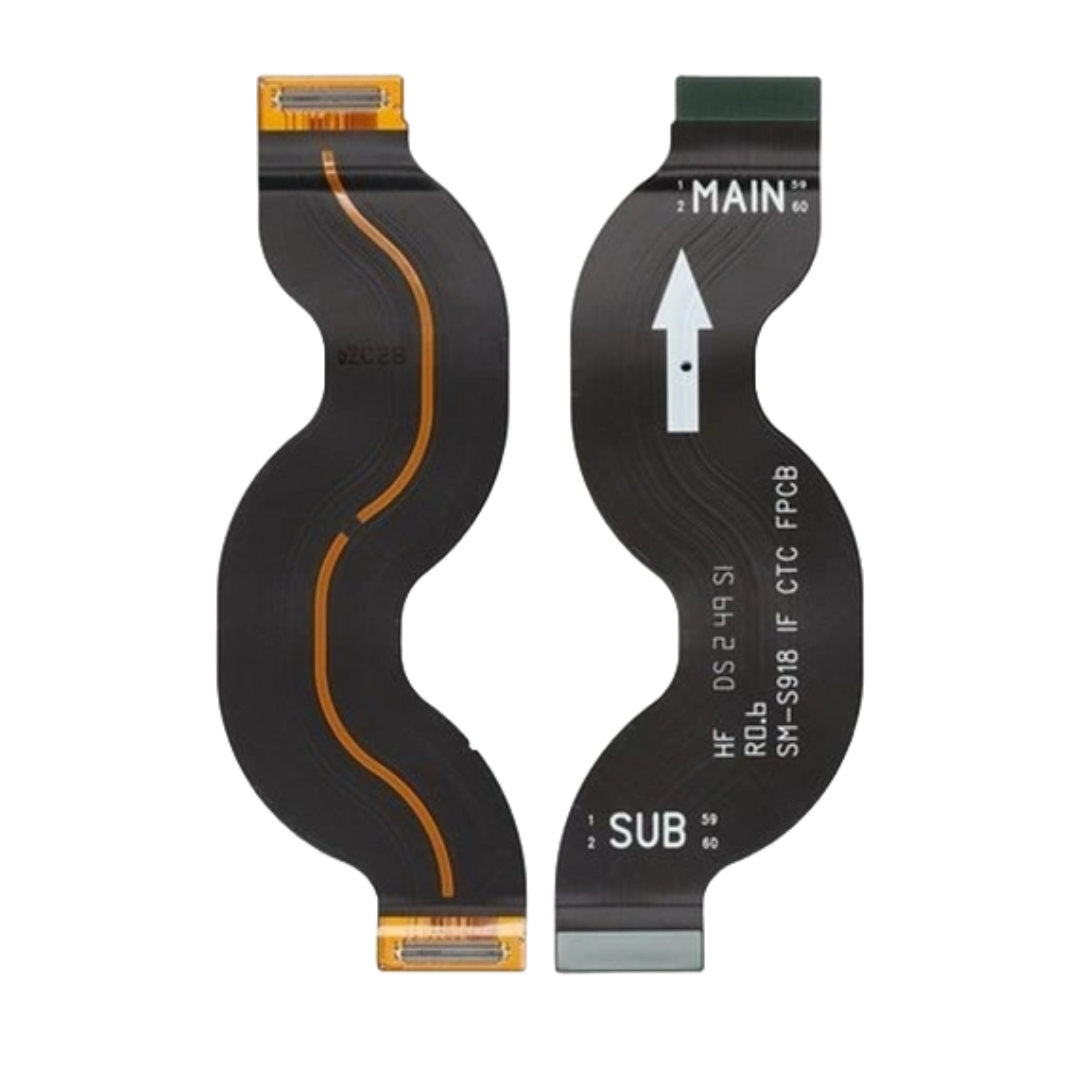
Realme 14 Pro Lcd Flex
Product Overview
The Realme 14 Pro LCD Flex Cable is a high-quality replacement component designed to restore display connectivity between the LCD screen and the motherboard. If your Realme 14 Pro experiences display flickering, blank screen issues, touch malfunction, intermittent display signals, or physical flex cable damage, replacing the LCD flex can help restore normal functionality. The part is manufactured with durable flexible circuitry and precision connectors to ensure stable signal transmission and reliable performance. OEM-quality LCD flex cables are specifically designed to match the original layout and connector alignment of the device for seamless installation.
Key Features
| Feature | Description |
|---|---|
| Perfect Fit | Specifically designed for Realme 14 Pro 5G |
| OEM Quality | Manufactured to meet original device specifications |
| Stable Signal Transfer | Ensures reliable display and touch communication |
| Durable Construction | Resistant to bending and everyday repair handling |
| Precision Connectors | Accurate motherboard and display connection |
| Easy Installation | Compatible with standard mobile repair procedures |
| Tested Product | Quality inspected before shipping |
| Lightweight Design | Does not add extra bulk inside the device |
| Reliable Performance | Helps restore original display functionality |
| Long Service Life | Built with durable conductive pathways |
Common Problems Solved
- LCD display not working
- Screen flickering issues
- No display after phone drop
- Intermittent display connection
- Damaged or torn flex cable
- Display touch response issues caused by connector failure
- Loose LCD-to-motherboard connection
- Blank screen despite functional motherboard
Technical Benefits
| Benefit | Advantage |
|---|---|
| High Conductivity | Stable signal transmission |
| Flexible Design | Reduces risk of cracking during installation |
| Precision Engineering | Perfect alignment with device connectors |
| OEM Compatibility | Maintains original device performance |
| Reliable Connection | Supports display and touch functions |
| Professional Grade | Suitable for repair centers and technicians |
Installation Guidelines
- Power off the device before repair.
- Open the handset using proper repair tools.
- Disconnect the battery connector.
- Remove the damaged LCD flex cable.
- Install the new Realme 14 Pro LCD flex.
- Secure all connectors properly.
- Test display and touch functionality before final assembly.
- Reassemble the device carefully.
Package Contents
| Included Items | Quantity |
|---|---|
| Realme 14 Pro LCD Flex Cable | 1 Piece |
| Protective Packaging | 1 Unit |
Applications
- Mobile repair shops
- Service centers
- Professional technicians
- Display refurbishment projects
- Screen replacement repairs
- Spare parts inventory management
| Weight |
0.002 kg |
|---|
Customer Reviews
No Review Found