


 Mobile
Repairing Tools
Mobile
Repairing Tools
 Touch/Glass/OCA
Glass
Touch/Glass/OCA
Glass Stencils &
IC
Stencils &
IC OCA Machine &
Parts
OCA Machine &
Parts Mobile
Accessories
Mobile
Accessories Software
 OCA
Sheets &
Polarizers
OCA
Sheets &
Polarizers


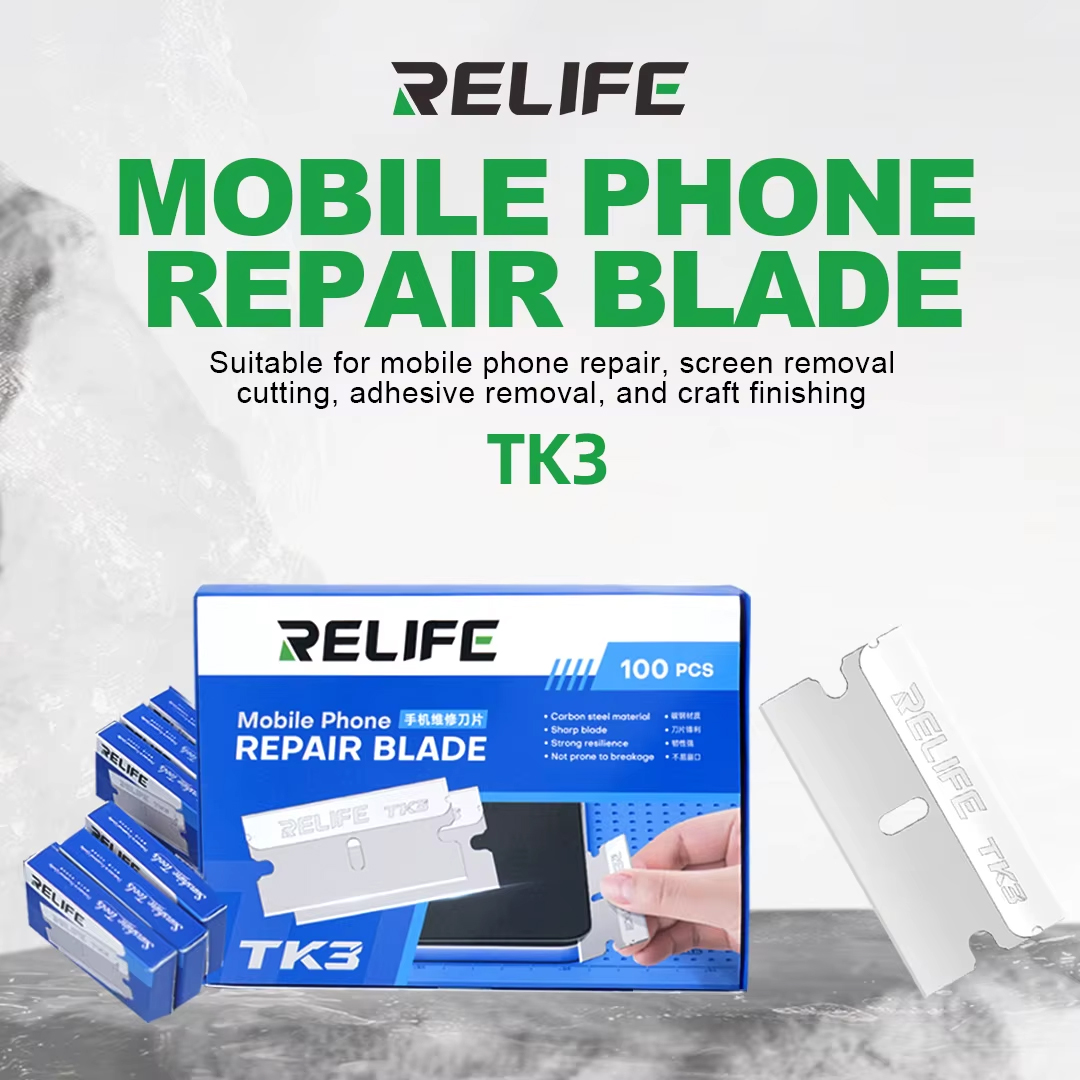
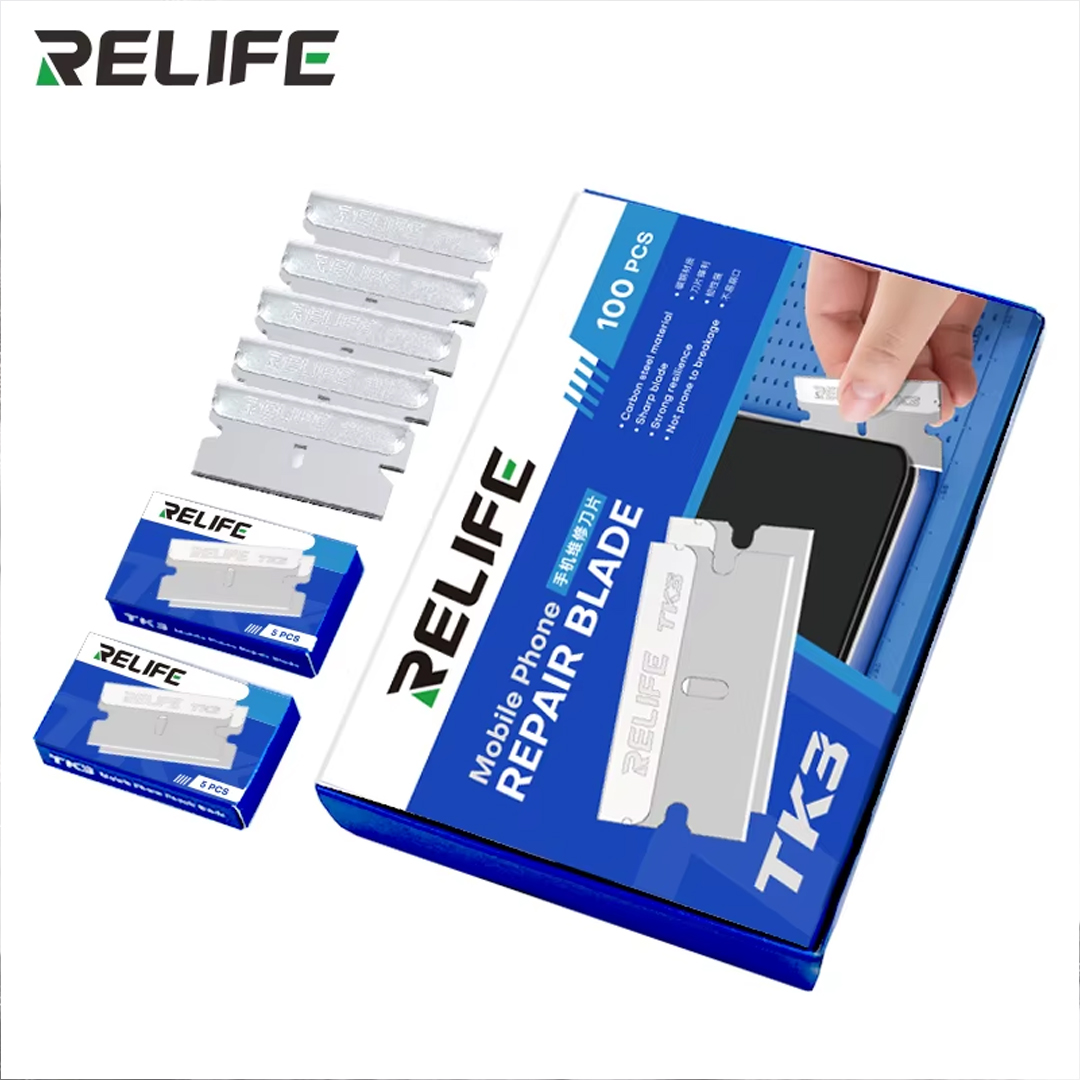
RELIFE TK3 (100PCS) MOBILE PHONE REPAIR BLADE
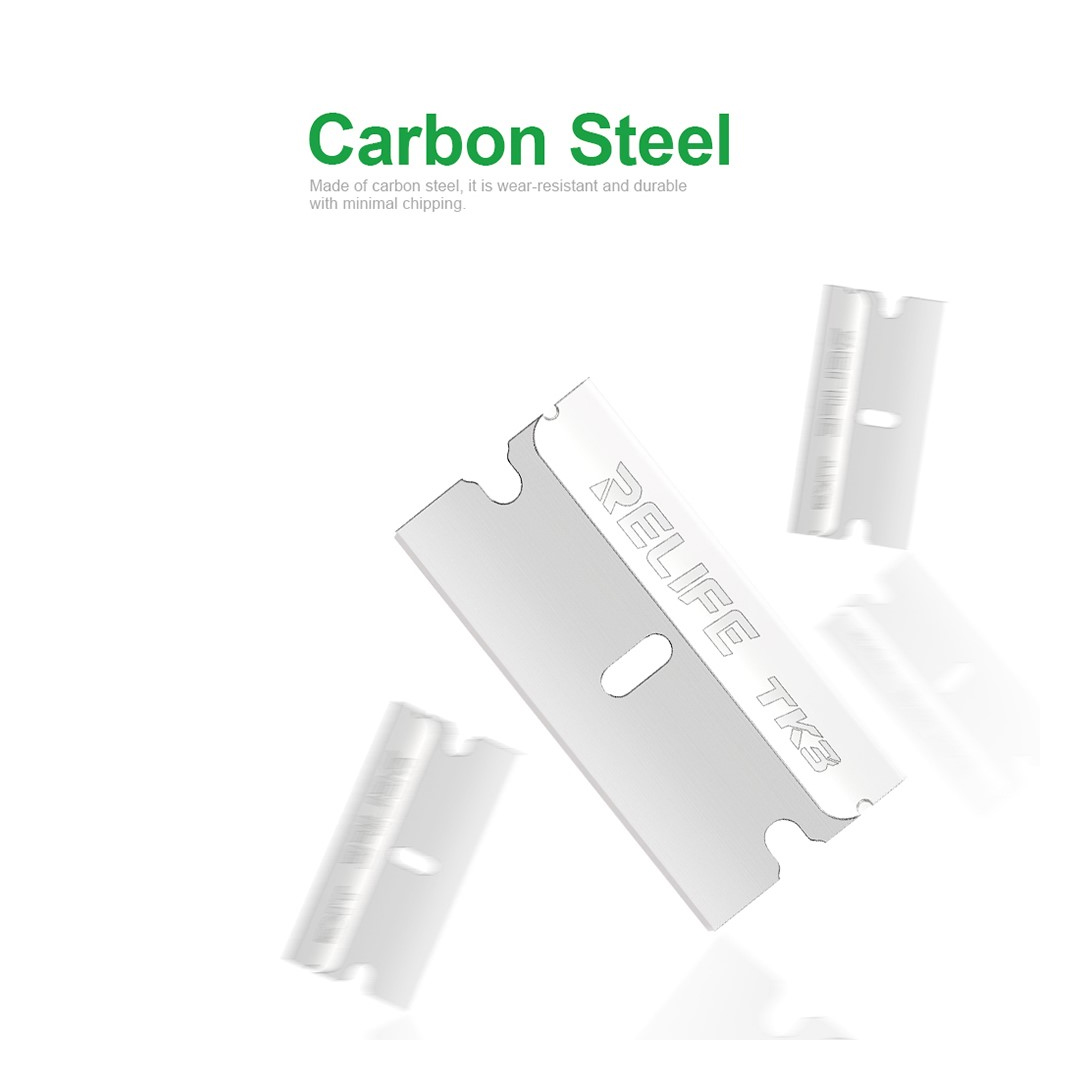
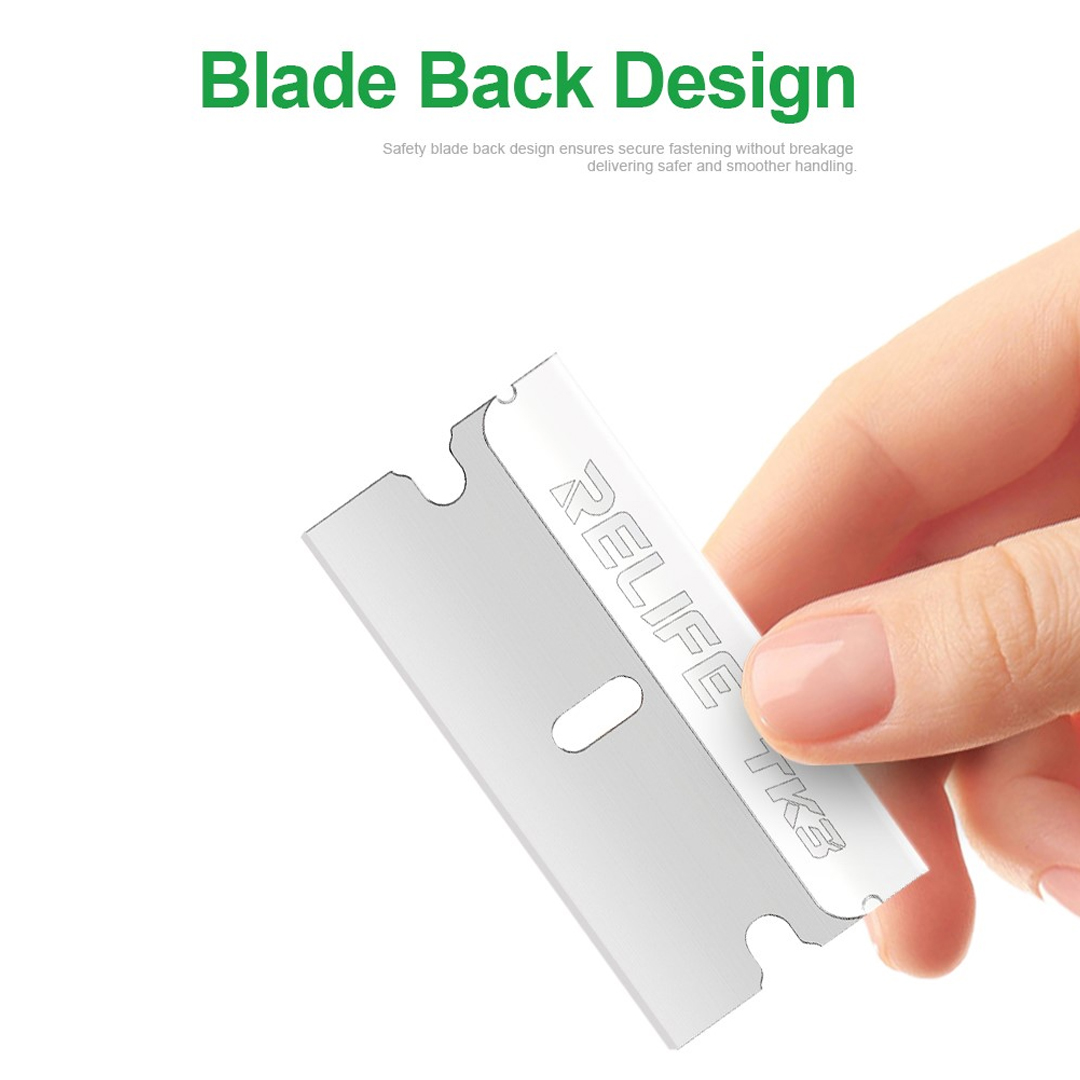
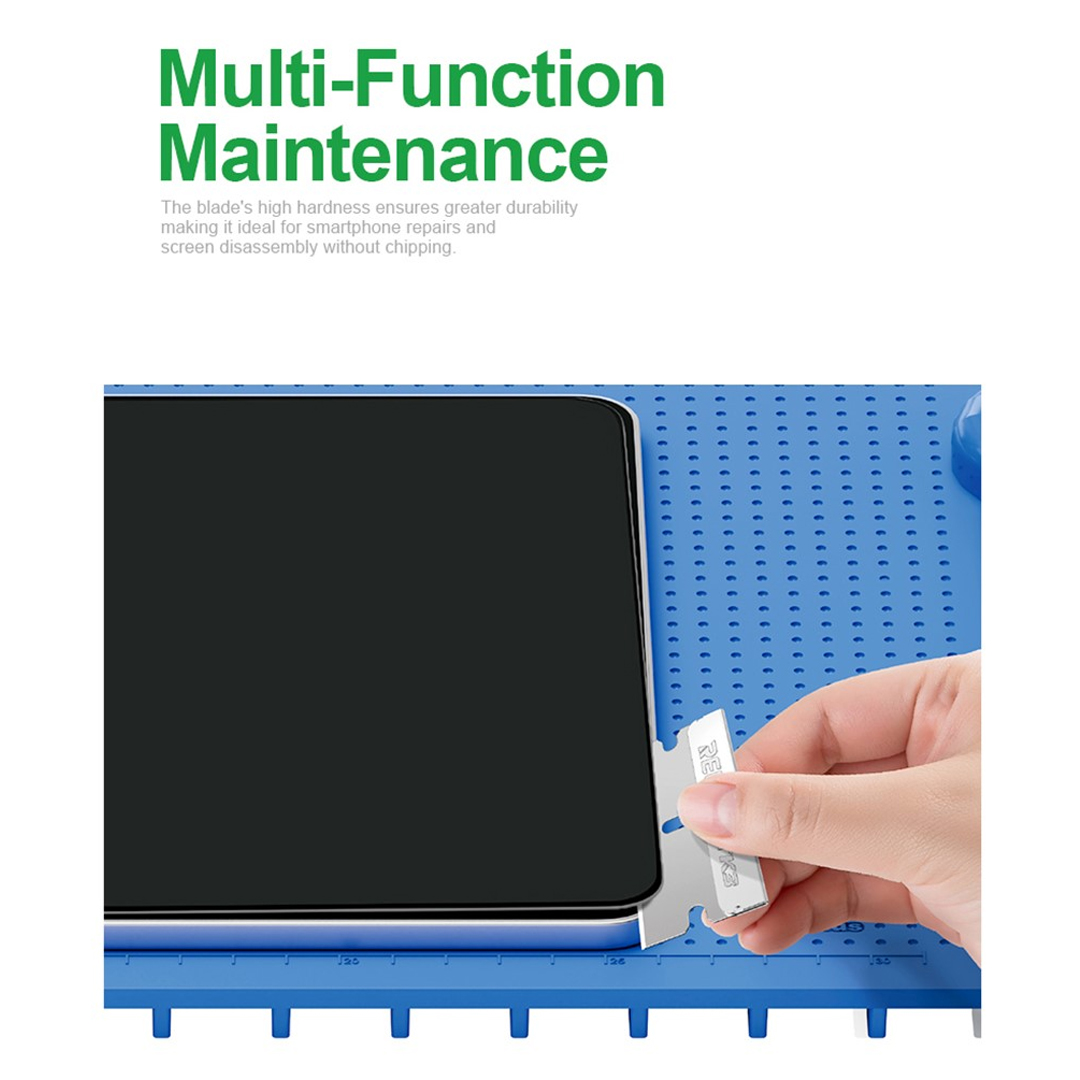
The Relife TK3 100PCS/Box Mobile Phone Repair Blade Set is a specialized tool designed for mobile phone repair professionals and DIY enthusiasts. It includes 100 precision-cut blades, each tailored for different repair tasks such as LCD screen removal, adhesive cutting, and repair knife work. This set is particularly popular among users who frequently perform phone repairs, as it offers a wide range of blade types in one convenient box.
Answer: The Relife TK3 blade set is a high-quality, multi-blade tool designed for mobile phone repair, offering 100 precision blades for tasks like screen removal, adhesive cutting, and general repair work.
Mobile Phone Repair Blade Set
A collection of small, sharp blades used for disassembling and repairing mobile devices, including tasks like removing the LCD screen or cutting adhesive.
Adhesive Removal
The process of carefully removing the glue that holds a phone’s screen or back cover in place without damaging the device.
Repair Knife
A small, sharp blade used for precise cutting and lifting during phone repairs, often used to separate components or cut through adhesive layers.
The Relife TK3 blade set is ideal for users who need a reliable and versatile tool for phone repairs. It is especially useful for those who work on multiple devices or have limited space for tools.
Scenario: I am a mobile phone repair technician who works in a small shop. I often need to remove LCD screens and cut through adhesive layers on various phone models. I need a blade set that is durable, precise, and offers a variety of blade types for different tasks.
Steps to Use the Relife TK3 Blade Set:
- Identify the Task: Determine whether you need to remove a screen, cut adhesive, or perform general repair work.
- Select the Appropriate Blade: Choose the blade that best fits the task. For example, use a thin blade for screen removal and a wider blade for cutting adhesive.
- Prepare the Device: Ensure the phone is powered off and the screen is ready for removal. Use a plastic opening tool to gently lift the screen if needed.
- Use the Blade Carefully: Apply gentle pressure and avoid forcing the blade to prevent damage to the device.
- Store the Blades Properly: After use, return the blades to the box to keep them organized and protected.
| Weight |
0.380 kg |
|---|
Customer Reviews
No Review Found