


 Mobile
Repairing Tools
Mobile
Repairing Tools
 Touch/Glass/OCA
Glass
Touch/Glass/OCA
Glass Stencils &
IC
Stencils &
IC OCA Machine &
Parts
OCA Machine &
Parts Mobile
Accessories
Mobile
Accessories Software
 OCA
Sheets &
Polarizers
OCA
Sheets &
Polarizers


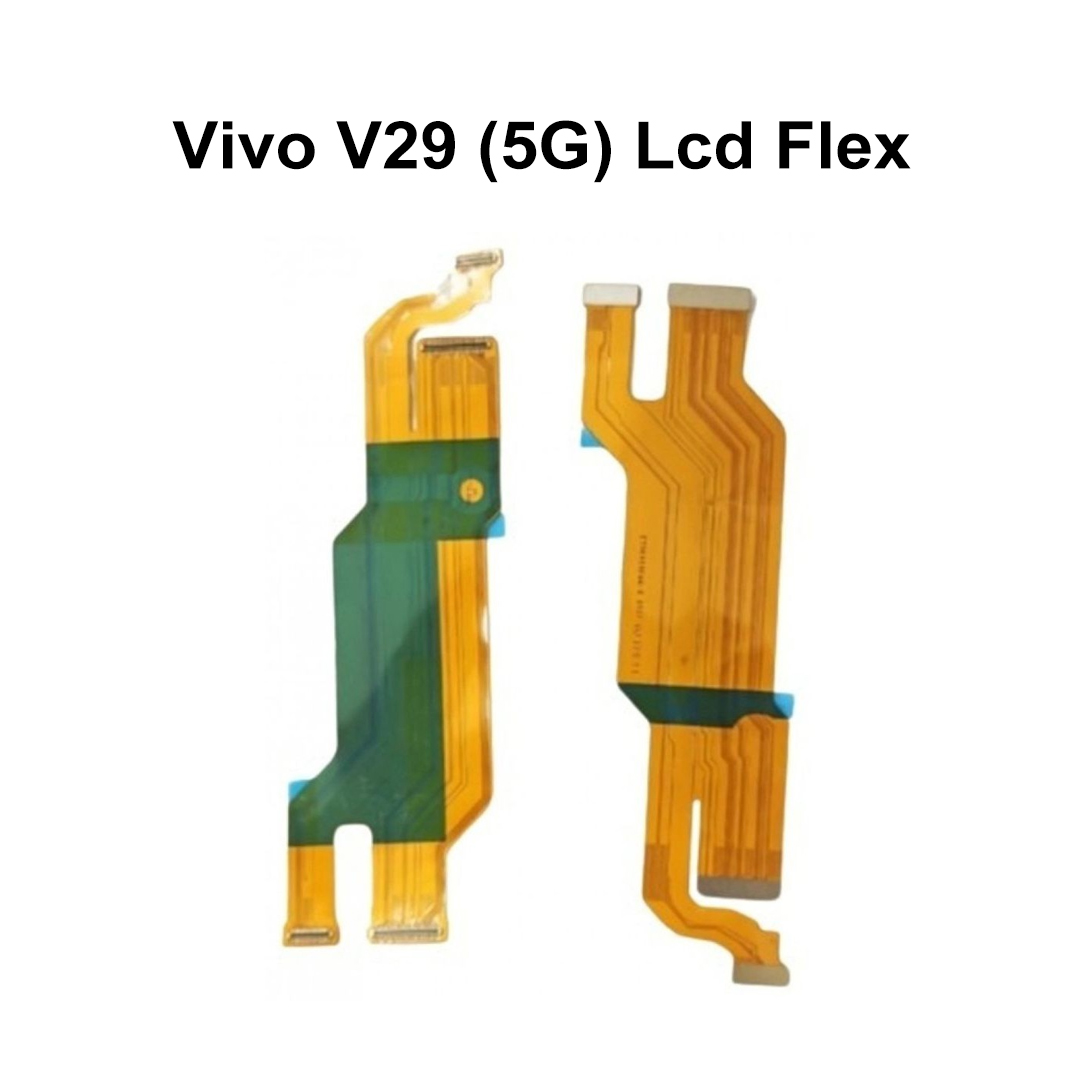
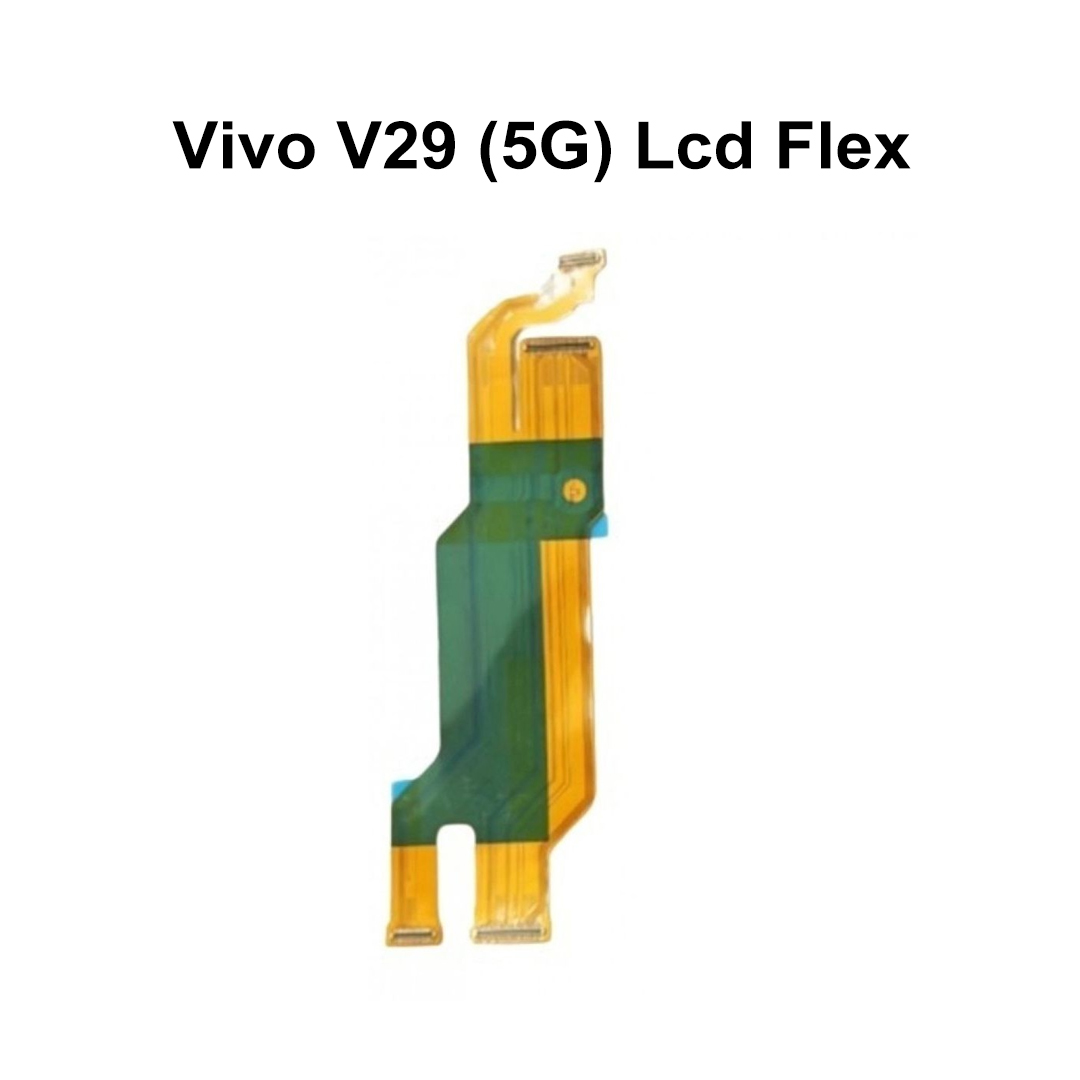
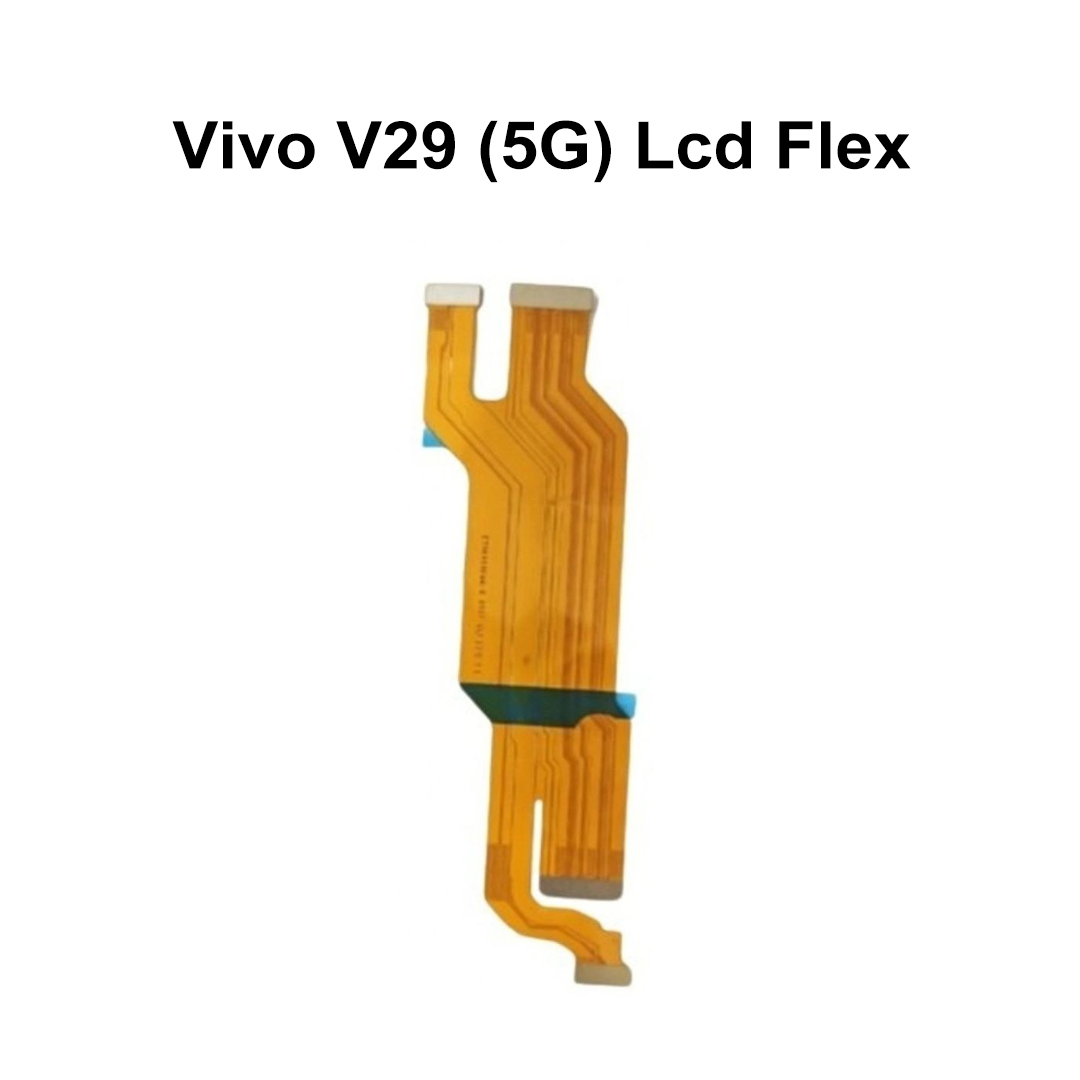
Vivo V29 (5G) Lcd Flex
Product Descripation
The Vivo V29 (5G) LCD Flex Cable is an essential internal spare part that connects the smartphone's display assembly to the motherboard. It is responsible for transmitting display signals and maintaining stable communication between the screen and the device's main board. This component is specifically manufactured for the Vivo V29 5G, ensuring precise compatibility and reliable performance.
If your Vivo V29 5G experiences screen flickering, intermittent display issues, black screen problems, or display signal loss due to a damaged flex cable, replacing the LCD flex cable can restore normal screen functionality. High-quality replacement cables are manufactured using durable materials and precision connectors for long-lasting performance.
Key Features
| Feature | Benefit |
|---|---|
| Perfect Compatibility | Specifically designed for Vivo V29 5G |
| Stable Signal Transmission | Ensures clear and uninterrupted display output |
| High-Quality Construction | Built using durable flexible PCB materials |
| Precision Connectors | Secure motherboard and display connection |
| OEM-Compatible Design | Matches original specifications |
| Easy Replacement | Direct replacement without modification |
| Long Service Life | Resistant to daily wear and flexing |
| Reliable Performance | Restores display functionality effectively |
Common Problems Solved
| Issue | Solution |
|---|---|
| Screen Flickering | Replacing damaged LCD flex cable |
| No Display Output | Restores display signal connection |
| Intermittent Screen Function | Stabilizes display communication |
| Black Screen Issue | Repairs broken display signal path |
| Loose Display Connection | Provides secure motherboard connection |
| Physical Flex Damage | Replaces torn or bent ribbon cable |
Suitable For
- Mobile repair technicians
- Service centers
- Smartphone refurbishing businesses
- Spare parts wholesalers
- DIY repair professionals with technical experience
Important Notes
- Verify the Vivo V29 5G model before purchase.
- Professional installation is highly recommended.
- Test the component before final installation.
- Handle the flex cable carefully to avoid bending or tearing.
- Ensure proper connector alignment during installation
| Weight |
0.002 kg |
|---|
Customer Reviews
No Review Found