


 Mobile
Repairing Tools
Mobile
Repairing Tools
 Touch/Glass/OCA
Glass
Touch/Glass/OCA
Glass Stencils &
IC
Stencils &
IC OCA Machine &
Parts
OCA Machine &
Parts Mobile
Accessories
Mobile
Accessories Software
 OCA
Sheets &
Polarizers
OCA
Sheets &
Polarizers


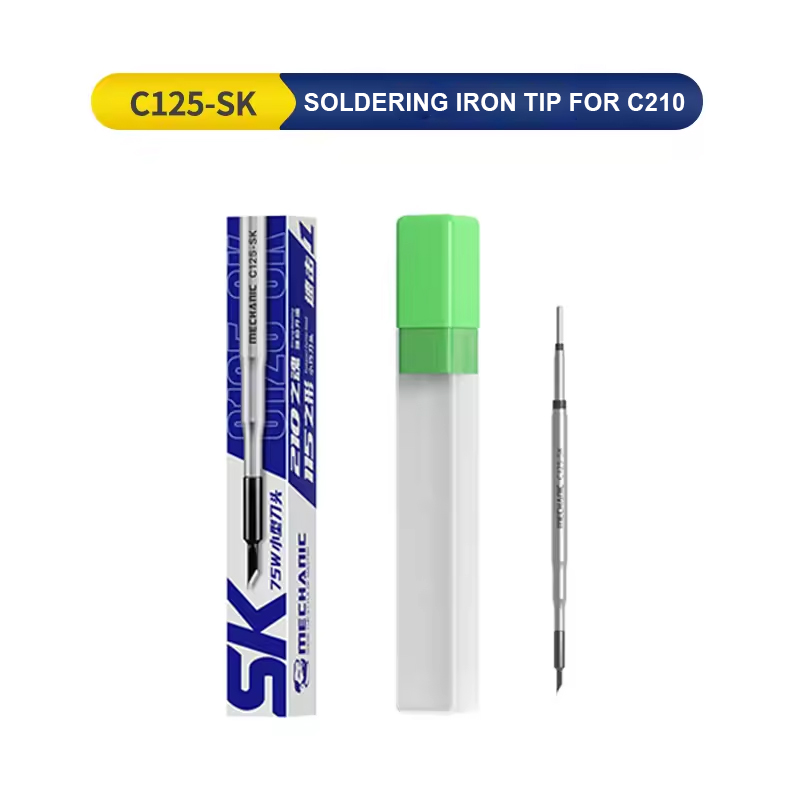
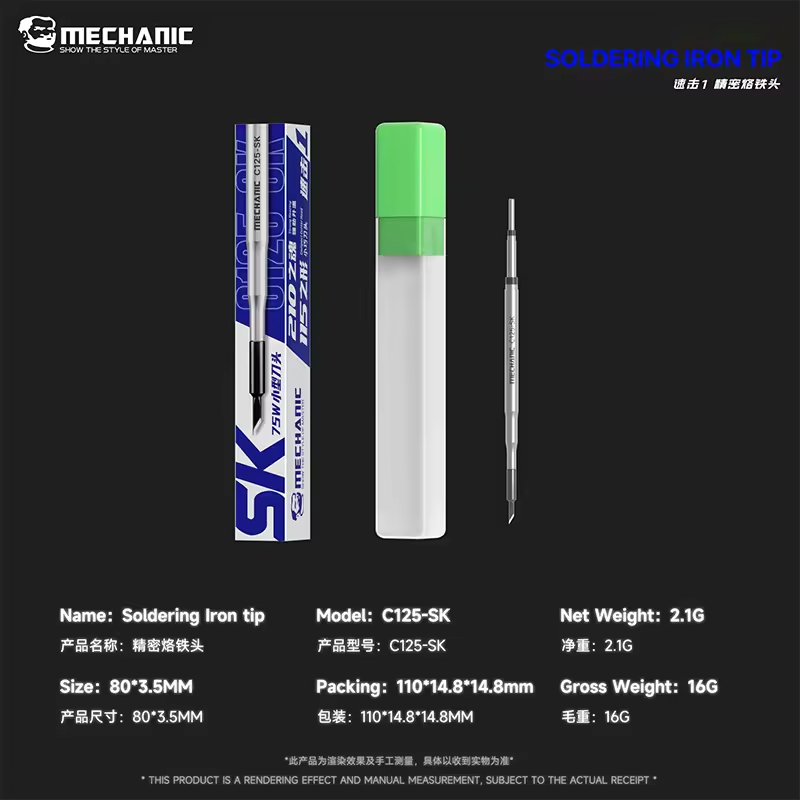
MECHANIC C125-SK SOLDERING IRON TIP FOR C210
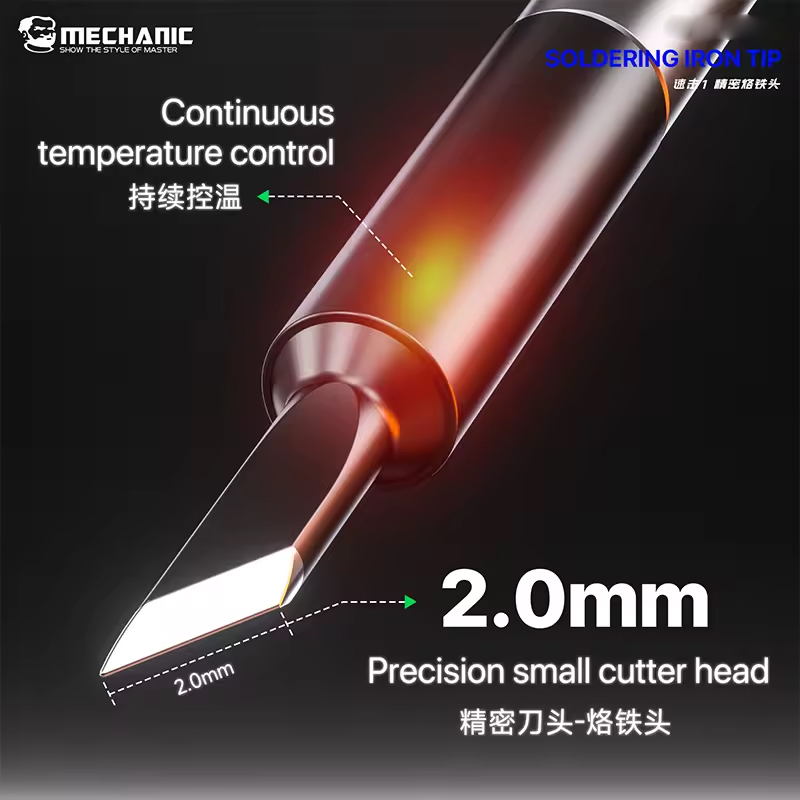
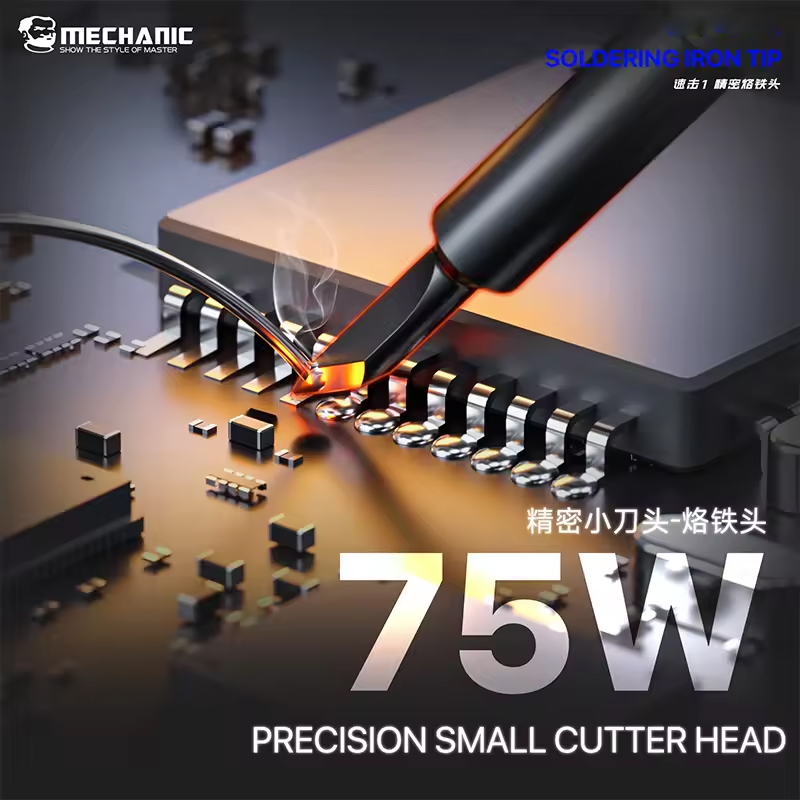
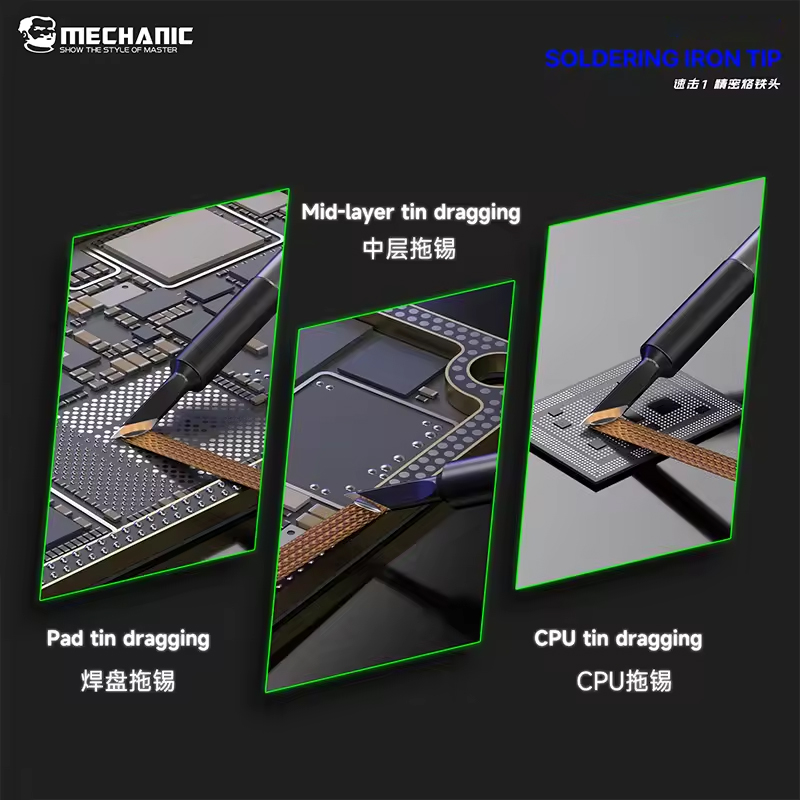
The Mechanic C125-SK is a high-precision soldering iron tip designed specifically for the C210 series handle. It is favored by electronics repair professionals for its exceptional heat conductivity and its "S-shaped" (curved) knife geometry, which is ideal for micro-soldering and cleaning pads under SMD components.
Product Specifications & Details
| Feature | Description |
| Product Model | Mechanic C125-SK (Knife Tip / Curved) |
| Compatibility | Exclusively for JBC C210, Sugon, T210, and Mechanic T210 Handles |
| Tip Shape | SK (Small Knife) – Featuring a 45-degree angle with a curved profile |
| Material Composition | Multi-layer plating: Oxygen-free Copper core, Iron plating, Nickel plating, and Chrome finish |
| Heating Core | Integrated Internal Heating (Tip and Heater are one unit) |
| Temperature Range | 0°C – 500°C (Optimized for 350°C - 380°C) |
| Lead-Free | Yes, 100% Lead-Free compliant |
| Application | Logic board repair, jumper wires, IC cleaning, and Bridge removal |
| Total Length | Approximately 80mm |
Core Features & Performance
1. Multi-Layer Construction
The C125-SK utilizes a sophisticated plating process to ensure longevity and thermal efficiency:
-
Copper Base: Provides high thermal conductivity for instant heat recovery.
-
Iron Plating: Protects the copper from erosion caused by solder.
-
Chrome Layer: Prevents "creeping" of the solder up the shaft of the tip.
2. "Plug-and-Play" Integrated Design
Unlike traditional soldering irons where the tip slides over a ceramic heater, the C125-SK features an integrated heating element. This allows the station to read the temperature directly at the point of contact, resulting in:
-
Heating from room temperature to 350°C in under 2 seconds.
-
Minimal temperature fluctuation during continuous use.
3. The "SK" Edge
The curved knife shape is a versatile "all-rounder" for micro-repairs:
-
Flat Surface: Use the side of the knife to drag-solder multi-pin ICs.
-
Pointed Tip: Use the very end for precision jumper wire placement.
-
Curved Neck: Allows better visibility under a microscope compared to straight tips.
Usage & Maintenance Guidelines
| Action | Recommendation |
| First Use | Tin the tip immediately upon first heating to prevent oxidation. |
| Cleaning | Use brass wool or a specialized tip cleaner. Avoid wet sponges if possible to prevent thermal shock. |
| Storage | Always leave a fresh blob of solder on the tip before turning off the station. |
| Oxidation Removal | Use a "Tip Refresher" paste if the tip stops "wetting" (holding solder). |
| Weight |
0.015 |
|---|

Customer Reviews
No Review Found